← Elevate Aura  ·  Aura Business, the operations platform Chennai, India · WhatsApp
For service heads with engineers on the road

A technician tracking app your service engineers will actually open.

Aura Business gives every service engineer a mobile app for GPS check-in, attendance with location and selfie, the day's route, and a job card that works offline with photos and customer signature, while the office watches progress live on the web dashboard.
Android and iOS appOffline job card with photosSkill-based allocation
app.elevateaura.co.in/field
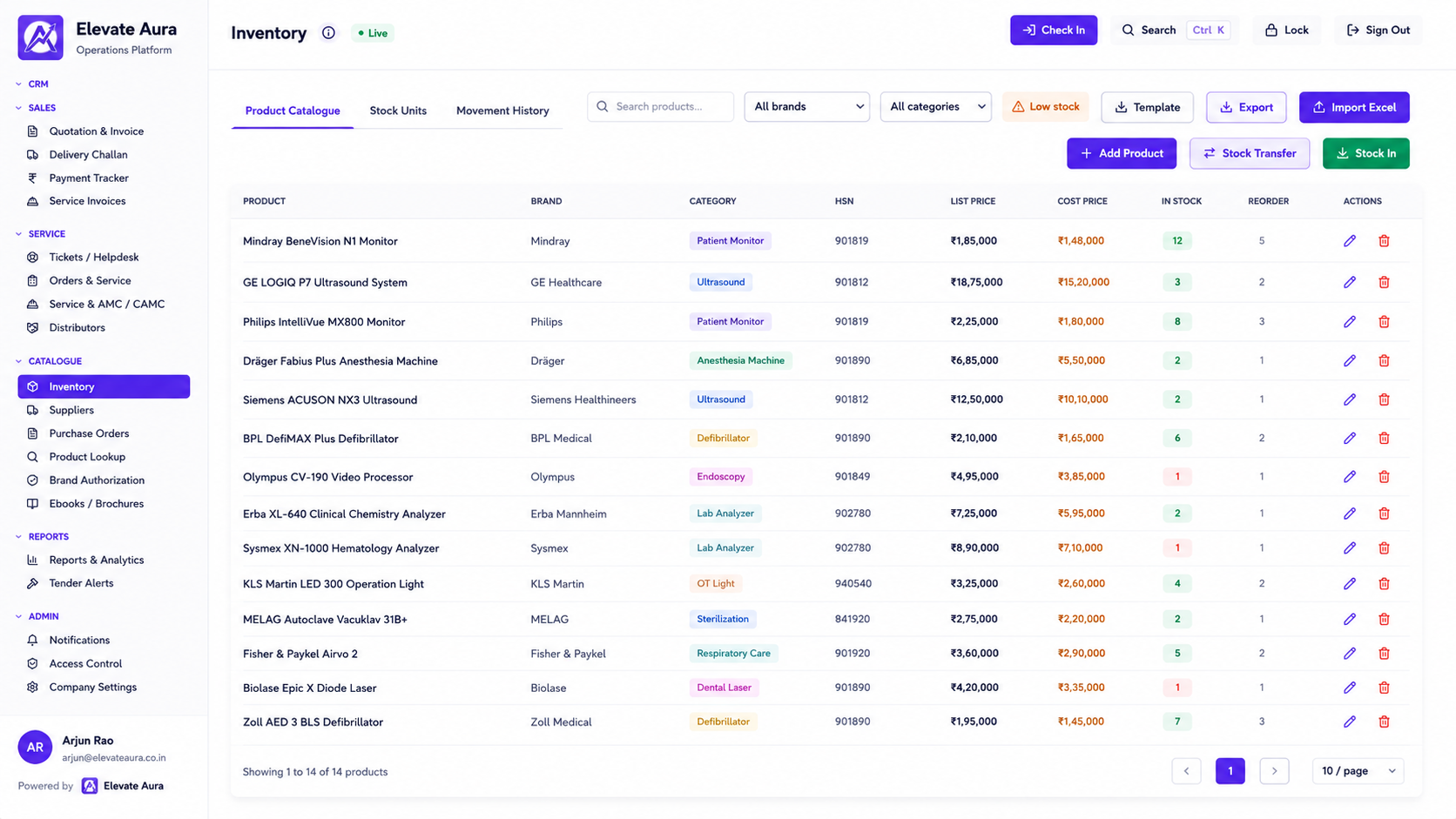
Aura Business service desk showing engineers assigned to jobs with GPS check-in status and job stage
In one sentence

What technician tracking software is, and what the app does

Technician tracking software shows the office where each field engineer is, which job they are on, and what they did there, through a mobile app the engineer carries. In Aura Business the app is the field half of the platform: GPS check-in at the customer site, attendance marked with location and a selfie, a route for the day, and a mobile job card that captures fault, work done, spares, photos and the customer's signature.

Tracking on its own annoys engineers and helps nobody. The app earns its place because it removes the paperwork: the job card replaces the carbon copy, the photo replaces the WhatsApp forward, and the signature replaces the argument about whether the visit happened. The office gets the same data live, without a phone call.

Why the office is blind

Six things a service head cannot answer without an app.

Engineers are honest and busy. The problem is that everything they do is recorded on paper, by phone, or not at all.

Where is everyone right now

A hospital calls to ask when the engineer will arrive and the answer is a phone call to the engineer, who is on a ladder.

Attendance by message

'Reached site' on WhatsApp at 9.40 am is not an attendance record, and payroll cannot use it.

Routes planned in the head

Two engineers cross the city in opposite directions to jobs that were next door to each other.

No network in the basement

Radiology and lab rooms often have no signal, so the app that needs internet is not used there.

Proof after the fact

Photos arrive on someone's personal phone and the customer signature is a scanned page, if it exists.

Wrong skill on the job

A ventilator call goes to whoever is nearest, not to the engineer trained on that model.

An engineer's day

From morning attendance to the last signature.

01

Attendance

Marked in the app with location and selfie at the start of the shift.

→
02

Route

The day's jobs in order on the app, assigned by the desk by skill and area.

→
03

Check-in

GPS check-in at each site timestamps arrival against the SLA.

→
04

Job card

Fault, work done, readings, spares and photos captured, online or offline.

→
05

Signature

The customer signs on the phone and the job is marked done.

→
06

Sync

Everything reaches the desk, the asset history and billing when the phone reconnects.

What is included

On the phone, and on the office screen.

📱On the engineer's phone

  • Android and iOS app
  • GPS check-in at customer sites
  • Attendance with location and selfie
  • Technician route and schedule for the day
  • Mobile job card with offline mode
  • Photo proof and field signature

💻On the service desk

  • Technician dispatch
  • Skill-based technician allocation
  • GPS and field tracking view
  • SLA timers on open jobs
  • Shift and roster planning

🔧Connected records

  • Spare parts used per job, dropping stock
  • Service history per asset
  • Closure against AMC, CMC or invoice
  • Leave and payroll inputs from attendance

See all 87 modules across 12 suites →

In practice

What the app changes for the team.

A hospital asks when the engineer will arrive

Workflow: The desk sees the engineer checked in at the previous site forty minutes ago and the next job on their route is this hospital.

Result: An answer in seconds, without disturbing the engineer.

A job is completed in a room with no signal

Workflow: The engineer fills the job card, takes photos and collects the signature offline in the MRI console room; it syncs from the car park.

Result: No paper, no re-entry, no missing record.

The right engineer goes to the ventilator

Workflow: The dispatcher filters by skill and the call is assigned to the engineer trained on that model, even if another is closer.

Result: First-visit fixes go up and repeat visits go down.

Payroll takes attendance from the app

Workflow: Location-stamped attendance and leave feed the payroll inputs for the month.

Result: No reconciliation of chat messages against a register.

Who it is for

Any team that works at the customer's site.

🏥
Medical equipment service teams

Engineers covering hospitals and labs across a region.

🚗
Sales reps on field visits

The same check-in and visit log for sales calls.

⚙
Industrial and electrical service

Installations and breakdowns at plants and sites.

🏦
Building services

Lifts, HVAC and fire systems with scheduled rounds.

🛠
Third-party maintenance firms

Multi-brand engineers who need one app, not five.

The honest comparison

Chat groups, a standalone tracker, or the field half of a platform.

 
Spreadsheets and WhatsApp
Generic CRM
Aura Business
Where the engineer is
Ask them
Not tracked
GPS check-in and live field view
Attendance
Messages
Not included
Location and selfie, feeding payroll
Job card
Paper
Notes field
Structured card with spares, photos, signature
Offline
Phone camera
Rarely
Full job card offline, syncs later
Who gets the job
Nearest
Manual
Skill-based allocation and route
What happens after
Someone types it up
Export
Stock, asset history and billing update
Proof

Platforms we have actually shipped.

Questions

Technician tracking, answered.

Does it track engineers all day or only at check-in?

GPS check-in timestamps arrival at each customer site, and the HRMS suite includes GPS and field tracking for the office view. How continuous the tracking is can be set to suit your team and their consent, and is agreed during setup.

Will it work inside hospitals with no signal?

Yes. The job card, photos and signature are captured in offline mode and sync when the phone reconnects. Attendance and check-in also queue until a connection is available.

Is the app available on both Android and iOS?

Yes. Elevate Aura builds the mobile app in React Native or Flutter for Android and iOS, and it can be published under your own branding. See field service app development.

How does skill-based allocation work?

Each engineer's profile records the models and brands they are trained on. When the desk dispatches a call, it can filter and assign by skill as well as by area and schedule, so specialised equipment goes to the right person.

Can the same app be used by sales reps?

Yes. Field visits with GPS check-in, visit notes and the activity feed are part of the CRM suite, so sales and service staff use one app with different screens based on role.

What does the customer sign?

The engineer shows the completed job card on the phone and the customer signs on screen. The signed job card is stored on the asset's service history and can be shared with the customer as a PDF.

Keep exploring

Related Aura Business software

Let's talk about your requirement.

Tell us how you work today. We will show you what the platform would look like for you, and give you a clear scope and timeline.

Founder-led · Chennai, India · Built and supported by the person who wrote it