← Elevate Aura  ·  Aura Business, the operations platform Chennai, India · WhatsApp
For the person allocating engineers each morning

Service dispatch software: one screen that decides who goes where, today.

Aura Business gives the dispatcher a live board of open service calls ordered by priority and SLA clock, matches each to an engineer by skill and location, builds the day's route, and lets a call be reassigned when the morning changes.
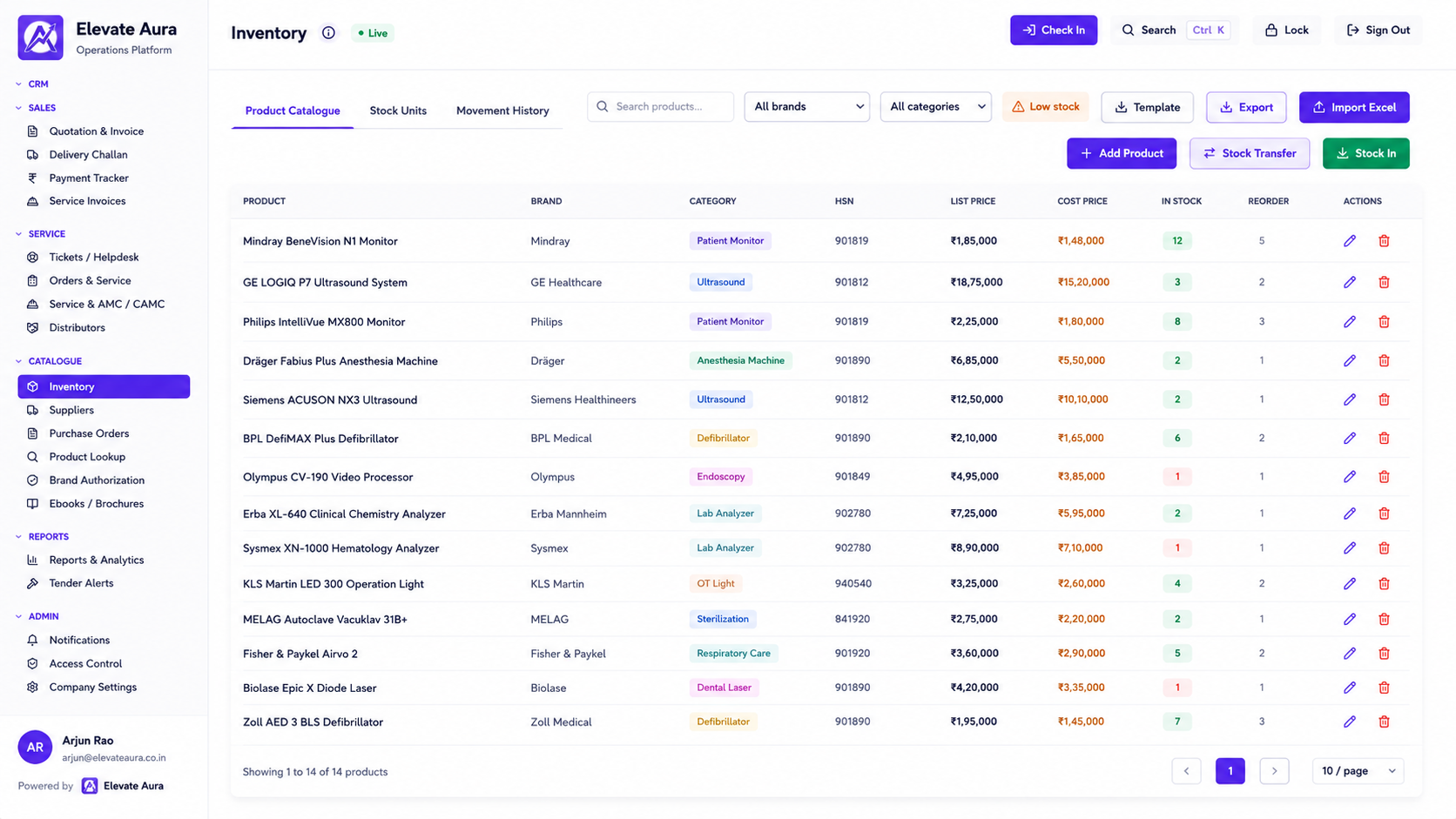
Open calls ranked by priority and SLASkill and location based allocationReassign without losing the history
app.elevateaura.co.in/dispatch
Aura Business service desk board showing open service calls with priority, SLA time remaining and assigned engineer
In one sentence

What the dispatcher's screen has to show

Service dispatch software is the allocation screen. Every open service call sits on it, ordered by priority and by how much SLA time is left, with the customer, the asset, the fault reported and whether the device is under warranty or contract already attached. The dispatcher picks an engineer and the job lands on that engineer's mobile app.

In Aura Business this is the Technician Dispatch module in the Field Service suite, sitting between call intake and the mobile job card. It matters because the dispatcher is making the same decision forty times a morning, and the cost of getting it wrong is a wasted journey or a breached contract.

Why allocation goes wrong

Dispatch done on a phone call is dispatch done blind.

The dispatcher who works from memory knows the engineers well and the calls badly, or the other way round. Neither is enough by nine in the morning.

No single list of open calls

Some calls came by phone, some by WhatsApp, some through a rep, and none of them are in the same place.

Priority set by who shouted

The loudest customer gets the engineer while a contract nearing SLA breach waits.

The wrong engineer sent

Someone who has never worked on that model drives across the city and comes back without fixing it.

Three trips to the same area

Two engineers cross each other because nobody looked at the calls by location.

Reassignment loses the thread

A call is handed to another engineer over the phone and the original notes never arrive with it.

No idea where anyone is

At three in the afternoon the dispatcher is calling engineers to ask whether they are free.

How a call is dispatched

From the customer's phone call to an engineer on the way.

01

Call intake

Breakdown logged against the customer and the serial number, with the fault reported.

→
02

Cover checked

The asset register shows warranty, AMC or CMC status before anyone is sent.

→
03

Priority and SLA

The contract's response time starts the clock and sets the call's place in the queue.

→
04

Engineer matched

Allocated on skill for that equipment, current location and today's load.

→
05

Route built

The engineer's calls for the day are sequenced so the travel makes sense.

→
06

Job on the app

The assignment appears on the mobile app with the asset's service history.

→
07

Reassigned if needed

A call can move to another engineer carrying its notes, clock and history.

What is included

The dispatch modules and what feeds them.

📞Intake

  • Breakdown and service call intake
  • Customer ticket submission from the portal
  • Calls raised from a helpdesk ticket
  • Asset lookup by serial number

📍Allocation

  • Technician dispatch board
  • Skill-based technician allocation
  • GPS and field tracking of engineers
  • Technician route and schedule
  • Reassignment with full history

⏱Urgency

  • SLA definitions per contract
  • Response clock on each call
  • Breach tracking and escalation
  • Warranty and contract status on the call

📊After dispatch

  • Mobile job card completed on site
  • Spare parts used per job drop stock
  • Service history per asset
  • Service invoice where work is not covered

See all 87 modules across 12 suites →

In practice

Four dispatch decisions that get easier.

The morning allocation takes twenty minutes

Workflow: Open calls are already ranked by SLA time left, and each one shows the equipment, the location and whether it is under contract.

Result: The board is cleared before the engineers leave home.

The right engineer goes the first time

Workflow: A ventilator call is matched to an engineer trained on that line rather than whoever is nearest.

Result: Fewer second visits for the same fault.

Two calls in one area are combined

Workflow: The route view shows both hospitals on the same side of the city and puts them on one engineer's day.

Result: Less travel, more calls closed.

A sick day does not break the day

Workflow: One engineer's calls are reassigned in bulk, each carrying its notes, history and remaining SLA time.

Result: Customers do not repeat themselves to a new engineer.

Who it is for

Anyone running engineers against a clock.

🏥
Medical equipment service teams

Breakdown calls from hospitals with contractual response times.

🔬
Diagnostics and lab support

Analyser downtime where the lab cannot report results.

⚙
Industrial service firms

Machine breakdowns across plants and sites.

🏦
Building services

Lift, HVAC and fire system callouts.

🛠
Multi-brand service companies

Engineers with different skills across several manufacturers.

The honest comparison

Phone calls, a generic CRM, or a dispatch board.

 
Spreadsheets and WhatsApp
Generic CRM
Aura Business
One list of open calls
Several lists
Cases, without assets
Live board with asset and cover
Ordering the queue
By who called last
By created date
By priority and SLA time remaining
Matching engineer to job
By memory
Round robin
Skill, location and current load
Route for the day
Worked out in the car
No
Technician route and schedule
Engineer sees the history
Asks the customer
No
Service history per serial on the app
What happens after the fix
A WhatsApp message
Case closed
Job card, spares, invoice or contract close
Proof

Platforms we have actually shipped.

Questions

Service dispatch, answered.

Does the dispatcher see where engineers are?

Yes. GPS and field tracking shows engineer location during working hours, and check-in happens against the customer site, so allocation can take the current position into account.

Can allocation be based on skill rather than distance?

Yes. Skill-based technician allocation lets you record which engineers work on which equipment lines, so a specialised call is not given to the nearest available person by default.

What does the engineer receive on the phone?

The job appears in the mobile app with the customer, site, asset and serial number, the fault reported, the cover status and the previous service history for that machine. See mobile job cards.

Can a call be moved to another engineer mid-day?

Yes. Reassignment keeps the call's notes, attachments, SLA clock and history, so the new engineer starts with everything the first one had.

How does the SLA affect the queue?

Each contract carries its own response and resolution times. The clock on a call orders the board and flags calls approaching breach. See SLA management.

Does the app work where there is no signal?

Yes. The engineer can complete the job card offline inside a basement or a shielded room and it syncs when the phone reconnects.

Keep exploring

Related Aura Business software

Let's talk about your requirement.

Tell us how you work today. We will show you what the platform would look like for you, and give you a clear scope and timeline.

Founder-led · Chennai, India · Built and supported by the person who wrote it