Aura Business marks attendance where the work happens: the staff member opens the app, the location is captured, a selfie confirms who it is, and the month-end register is built from those records rather than from chat messages.

A fingerprint reader at the office door is useless for a rep who starts the day at a hospital and a service engineer who goes straight to a breakdown. A field attendance app replaces that machine with the phone already in their pocket: the person marks in, the app records where they were and a selfie confirms it was them.
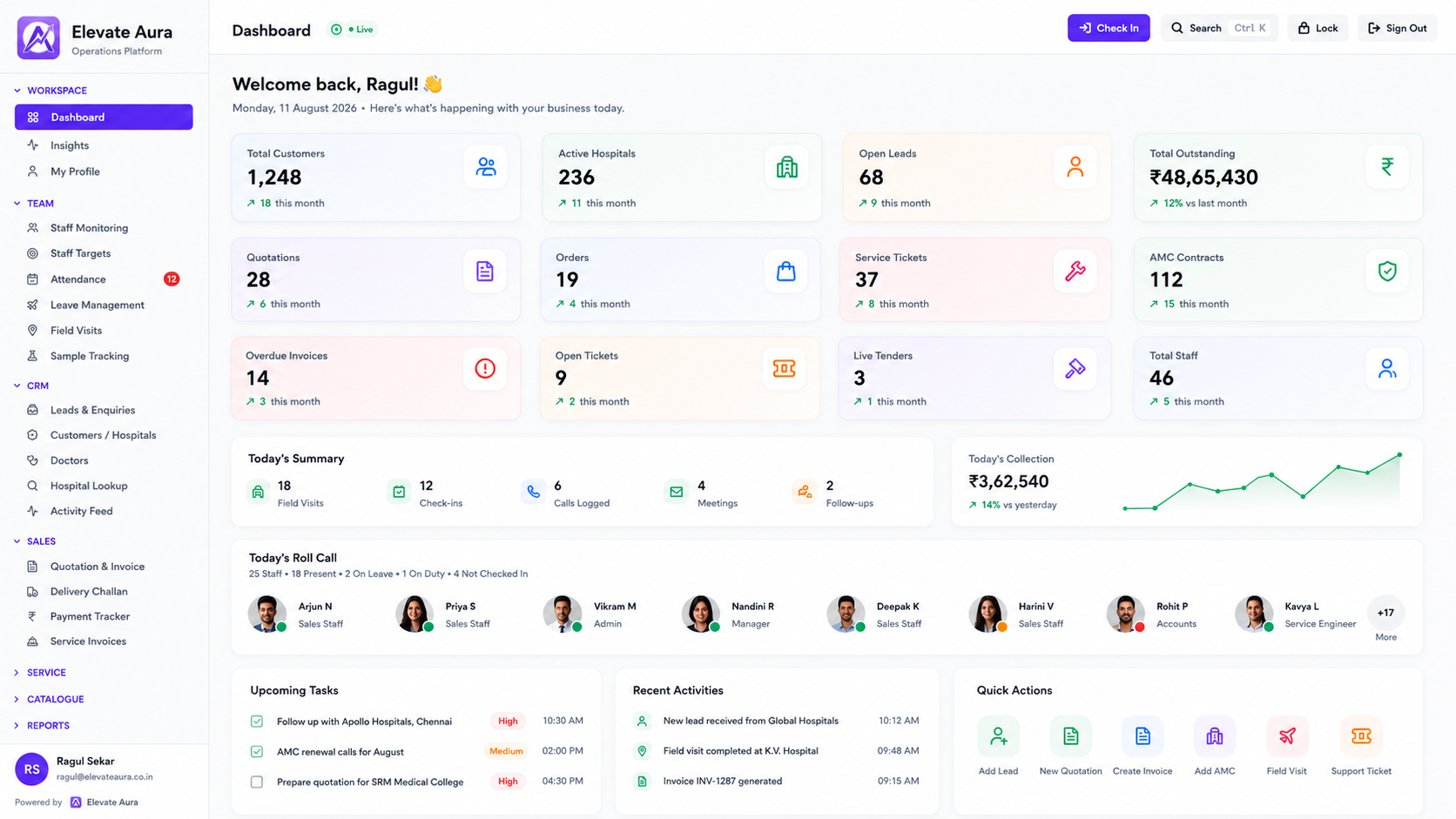
In Aura Business this is the HRMS suite. Attendance with geolocation and selfie, leave applications and approvals, a staff directory with roles, shift and roster planning, staff verification, and the payroll inputs that the month's records add up to.
The useful part is not the check-in itself. It is that at month end there is one register, built from timestamped records, that the person preparing salaries can work from without reconciling anyone's messages.
Everybody involved is acting in good faith. The record is simply not being made anywhere.
A good morning in a group at 9.15 is a greeting, not a record, and it cannot be totalled at month end.
A simple check-in button can be pressed from bed, which is why nobody trusts it.
Without a timestamp, the discussion at salary time is memory against memory.
Permission given on a phone call is forgotten by the person who gave it.
Somebody spends two days scrolling chats and calling supervisors to compile a sheet.
Attendance sits in one file and visits or service calls in another, so present and productive are separate questions.
The staff member opens the app at the start of the shift and marks attendance.
Geolocation is recorded with the check-in, and can be geo-fenced to a site or territory where that is agreed.
A photo taken at that moment is stored against the record, so the mark belongs to a person, not a device.
Leave is applied for in the app and approved by the reporting manager, with the balance visible to both.
The roster defines the expected shift, so late marks and off-days are classified rather than argued.
Present, absent, leave and holidays totalled per staff member with the underlying records attached.
The totals feed the payroll inputs module for whoever prepares salaries.
Workflow: She marks attendance from the hospital gate with location and selfie, then logs the field visit when she checks in inside.
Result: The day is recorded without anyone driving to the office to be counted.
Workflow: The record shows the mark time, the location and the photo taken at that moment.
Result: The conversation moves from argument to fact.
Workflow: An engineer applies in the app, the service head approves it, and the roster for that week reflects the gap.
Result: Dispatch stops assigning calls to someone who is not working.
Workflow: The month closes with present, leave and absent days totalled per person, ready as payroll inputs.
Result: Two days of compilation disappear from the accounts desk.
Reps covering hospitals, dealers or retail counters.
Technicians who begin the day at a breakdown.
Drivers and loaders working from a godown.
Staff posted at a customer site for weeks at a time.
Several small offices with no HR person in any of them.
Problem: A distribution business run entirely on WhatsApp and Excel.
Built: Field app, manager dashboard, GST billing and payment tracking.
Stack: React Native, Supabase, WordPress.
Problem: No online store or way to manage distributors.
Built: Storefront, distributor portal, quote-to-order and 253 SEO pages.
Stack: Supabase, JavaScript, Playwright.
Attendance captures location at the moment of marking, and field visits capture GPS check-in at customer sites. How much continuous tracking is switched on is a decision for you and your team, agreed during setup.
A check-in can be tied to a defined location or territory, so a mark is accepted at the site where the person is expected. The boundaries are configured per role or branch during setup.
The photo is stored against the attendance record so a disputed day can be checked later. Retention and who may view the images are settled during setup along with role-based access.
No. It produces payroll inputs, which are the attendance, leave and absence totals your salary process needs. The salary calculation itself stays where you do it today.
The app works offline for field work and queues records until a connection returns, so a mark made in a basement or a plant room is not lost.
Yes. Attendance, leave and roster are shared, while the screens each role sees differ. See the technician app and beat plans for reps.
Tell us how you work today. We will show you what the platform would look like for you, and give you a clear scope and timeline.
Founder-led · Chennai, India · Built and supported by the person who wrote it